Documentation
Docs Home
Getting Started
Server
Nuxeo Cloud
Web UI
Digital Asset Management
Client Applications
Addons
Client SDKs
Studio
Tools for the Nuxeo Platform
Documentation Notice
What's New
May 20, 2021
Nuxeo Design Guidelines
Read More
May 20, 2021
Supported File Formats
Read More
May 20, 2021
Contribute Picture Conversions
Read More
May 20, 2021
Quickstart with Nuxeo Platform and Docker
Read More
Nuxeo Core Developer Guide
Developer Environment Setup
Installing Git
Installing NodeJS and Related Tools
Installing JDK and Related Tools
Installing Dart and Related Tools
Getting the Nuxeo Source Code
Eclipse Setup
IntelliJ IDEA Setup
Working with multiple versions of Nuxeo sources at the same time
Coding and Design Guidelines
Copyright and License Headers
Maven Coding Rules
Code Review Guidelines
Java Code Style
Catching Exceptions
Secure Coding
Cross Site Scripting
GWT compilation tuning
Rules for Distributions
JavaScript code style
XML or XML-like files code style
Writing tests working with dates
What is Needed to Design a REST API
README Template
User Interface Guidelines
Field, Variable and Parameter Value Enforcement
Temporary Files
Data and Configuration Changes between Nuxeo Versions
Working on Nuxeo sources
Compiling Nuxeo From Sources
Unit Testing
How to Debug a Test Run with Maven
Testing a Datasource
Random tests
Functional Testing
Selenium tests
WebDriver Tests
Embedding Nuxeo
Supporting Hot Reload
Creating Your Own Distribution
Generating Packages and Installers
Generating documentation
Releasing
Home
>
Nuxeo Core Developer Guide
Nuxeo Core Developer Guide
Nuxeo Core Developer Guide
Updated: May 28, 2026
Developer Environment Setup
Installing Git
Getting the Nuxeo source code
Eclipse setup
Working with multiple versions of Nuxeo sources at the same time
Development Tools and Process
Quality Assurance and Continuous Integration
Git Usage
Maven usage
Code Quality with IDE Plugins
Coding and Design Guidelines
Copyright and license headers
Maven Coding Rules
Java code style
Catching Exceptions
Working on Nuxeo sources
Compiling Nuxeo from sources
Unit Testing
Creating Your Own Distribution
Generating Packages and Installers
Hyland University
Watch the related courses on Hyland University
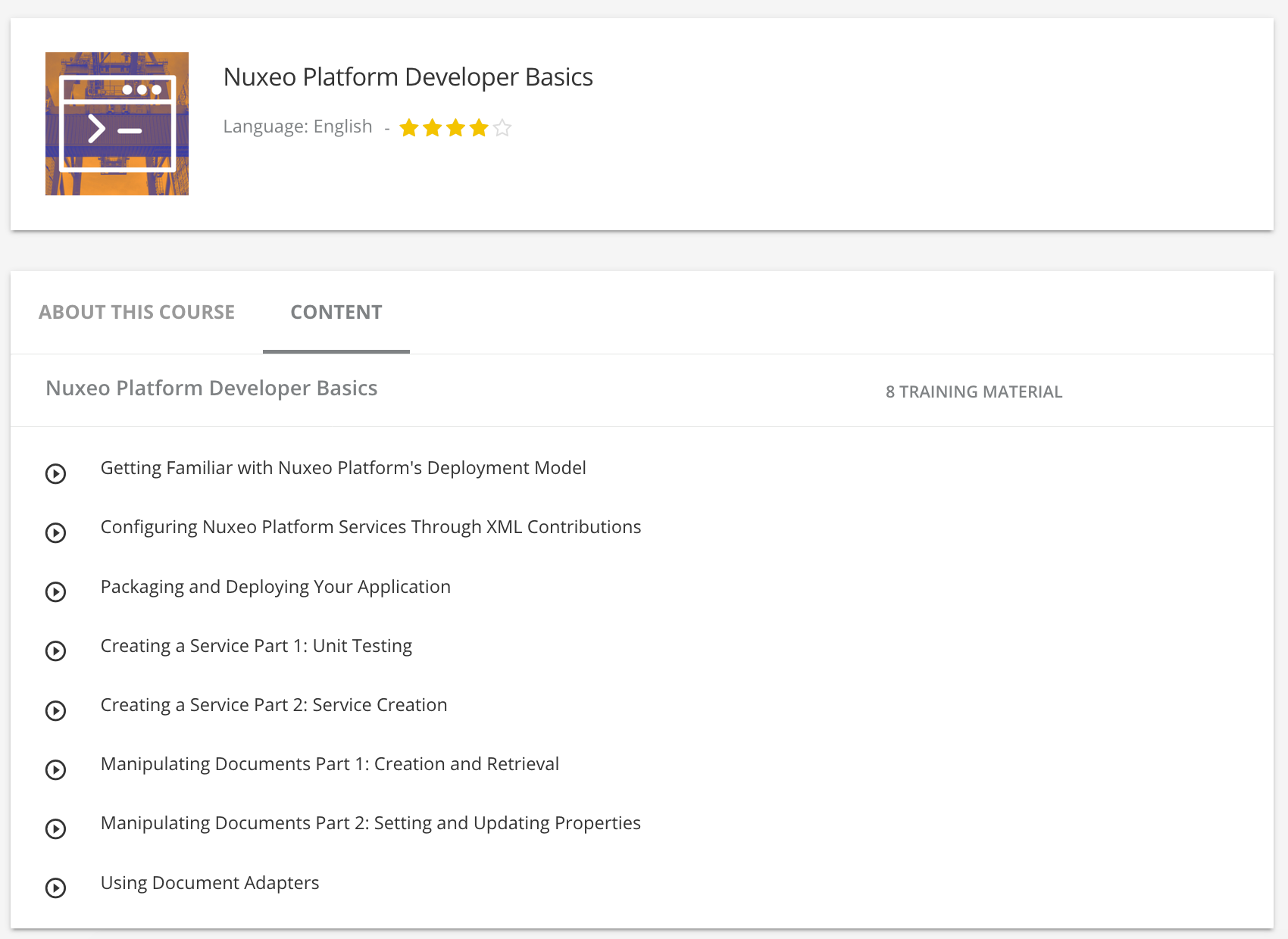
Course on Nuxeo Developer Basics
.
×
License
This documentation is copyrighted by Nuxeo and published under the Creative Common BY-SA license. More details on the
Nuxeo documentation license
page.