The Nuxeo Office Online Integration addon adds the ability to view/edit Microsoft Office documents through Office Online.
The Office Online integration is done thanks to the Web Application Open Platform Interface (WOPI) protocol provided by Microsoft. The WOPI protocol enables Office Online to access and change files that are stored in a Nuxeo server.
You can find more information on the WOPI protocol for the Office Online integration here.
Two deployment options are officially supported by Hyland:
- The Microsoft-hosted Office Online cloud service.
- An Office Online Server (OOS) deployed on-premises within your own infrastructure. See Office Online Server On-Premises for the specific configuration.
Functional Overview
Office Online Check-In
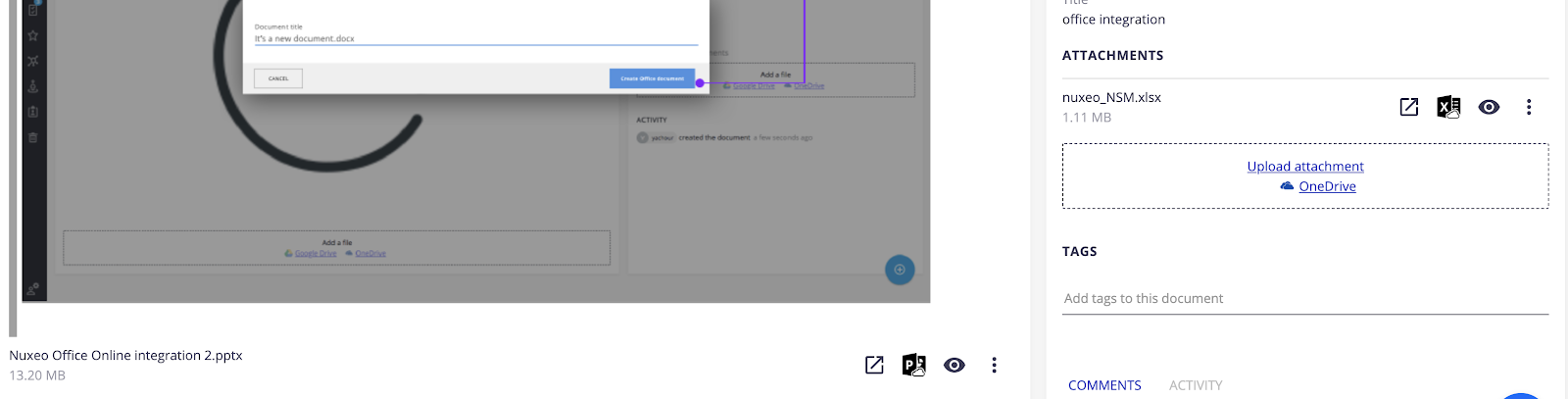
When an office document (Excel, Word or PowerPoint files) is stored in Nuxeo Platform, whether it’s an attachment or the main file, this addon displays a new action slot enabling a check-in into the Office Online web interface to preview and edit the document:
Office Online Authentication
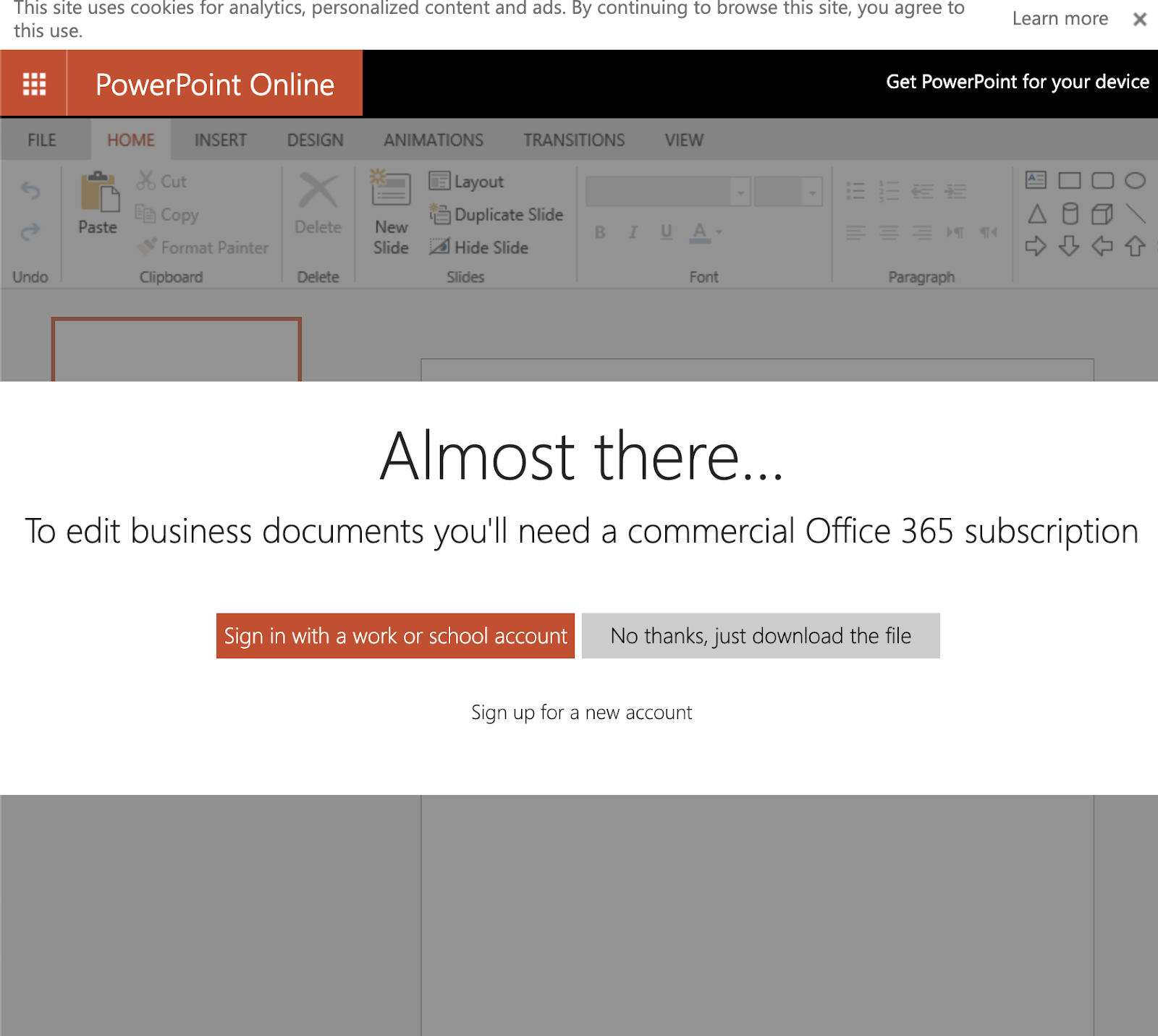
When a user is authenticated to Nuxeo, checking in a new office document for the first time will trigger an authentication attempt to Office Online services in a new window. A work or school account is required:
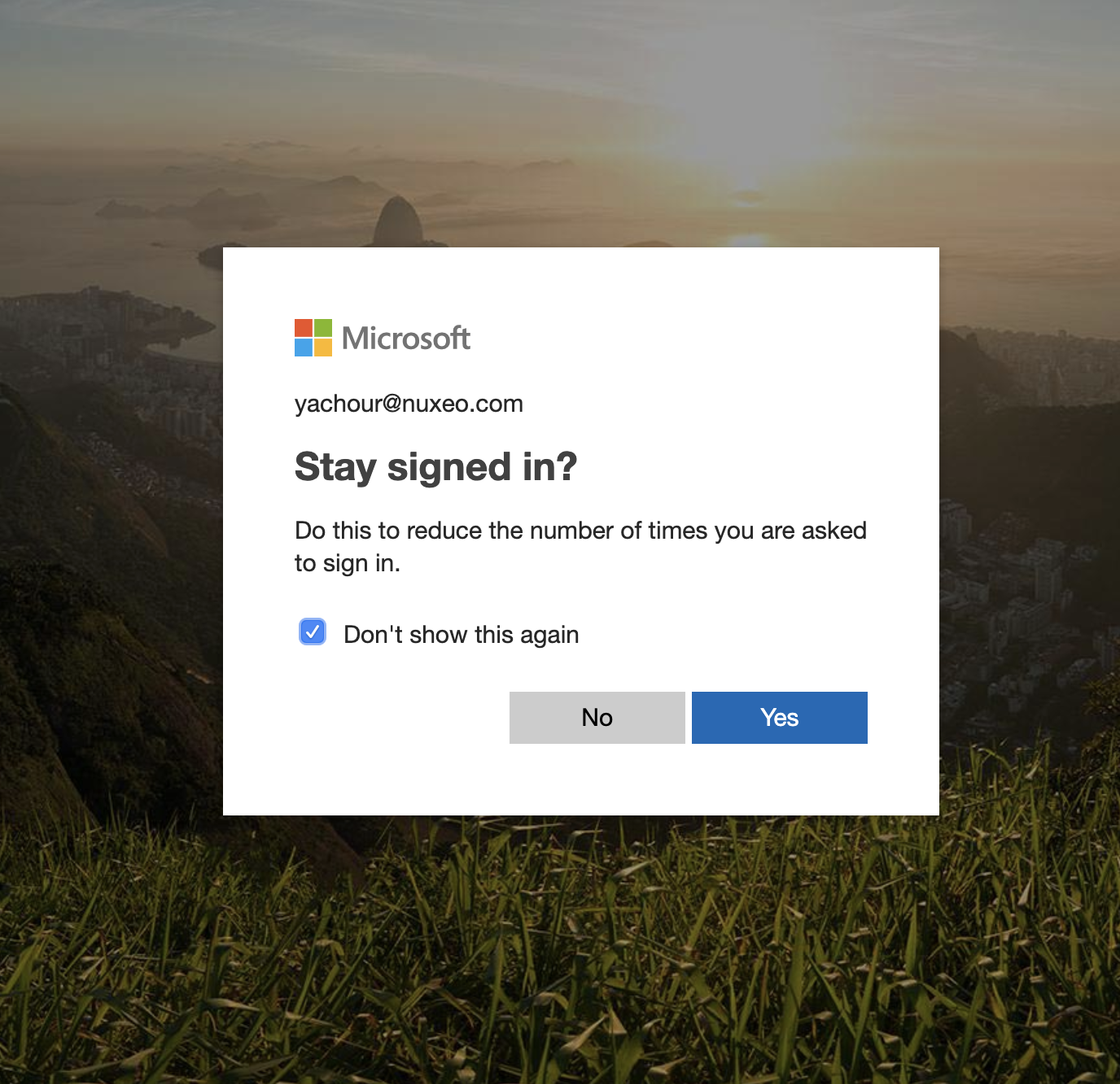
Once authenticated, the user can choose to keep authenticated to his Microsoft account for future usage.
Office Online Documents Preview
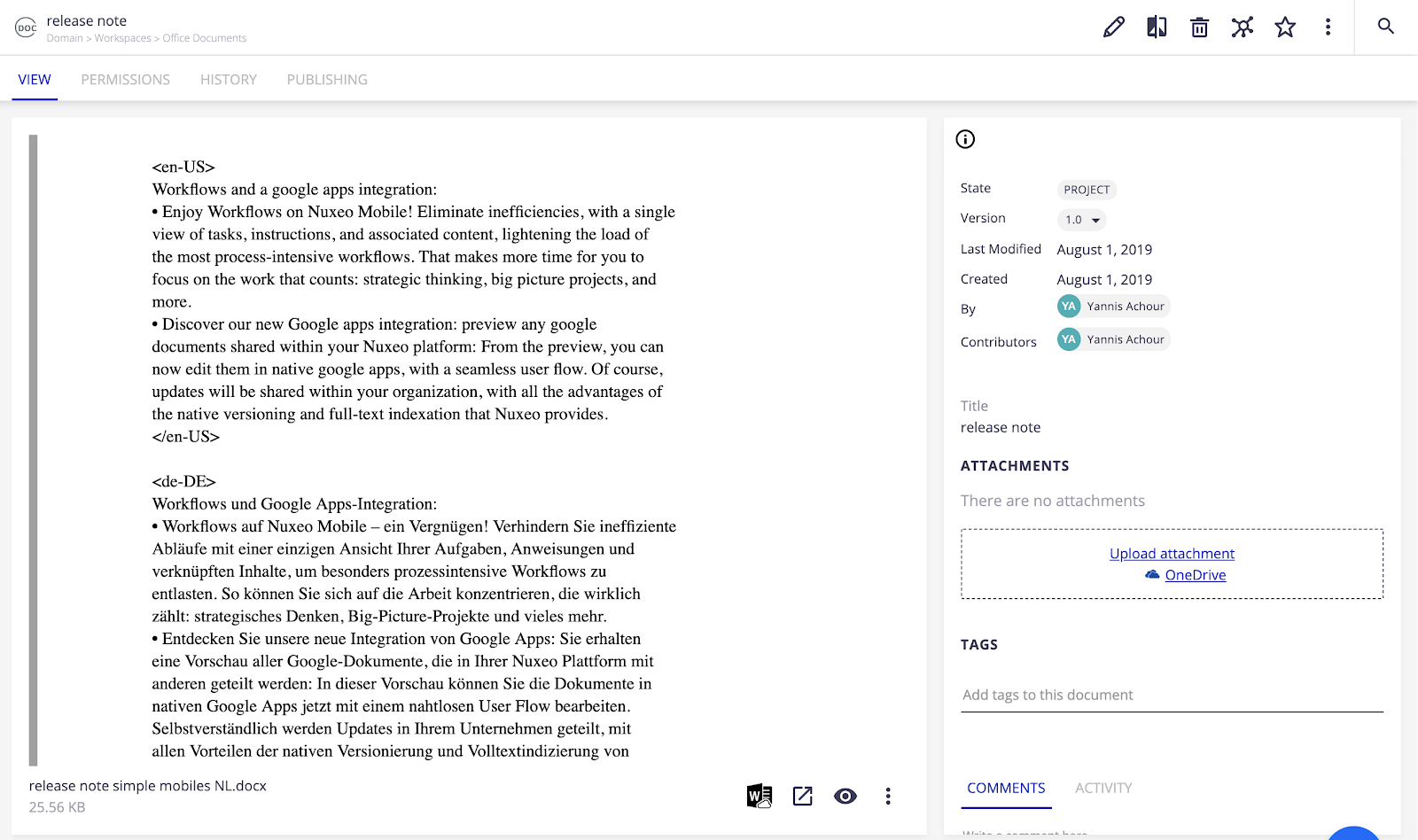
The preview is available for user who only has read access, or only requires to preview the document, with the Office online web user interface.
Office Online Documents Edition
Once in edition mode, every modification done on the Office document will be saved to Nuxeo Platform:
- Initial State:
Edition (Office 365 Application Check-in):
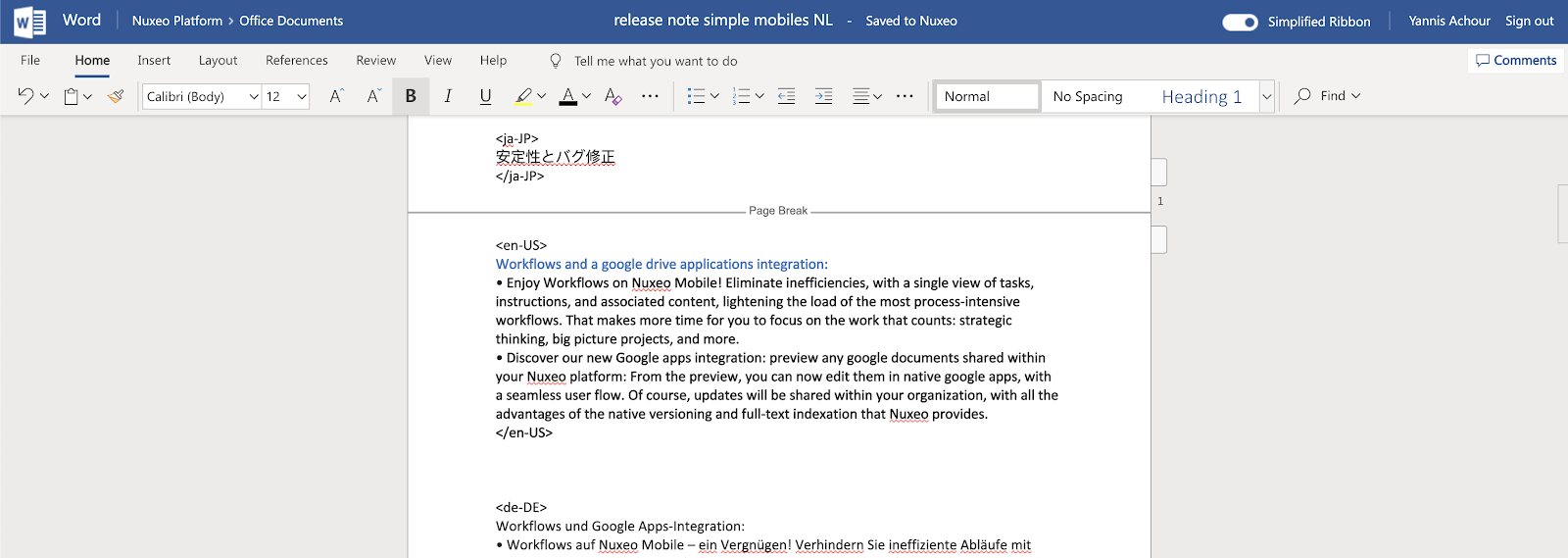 The mention “Saved to Nuxeo” is automatic (auto-saving feature of Office Online), however modifications are propagated in the server with a delay, see the “Office online limitations” section.
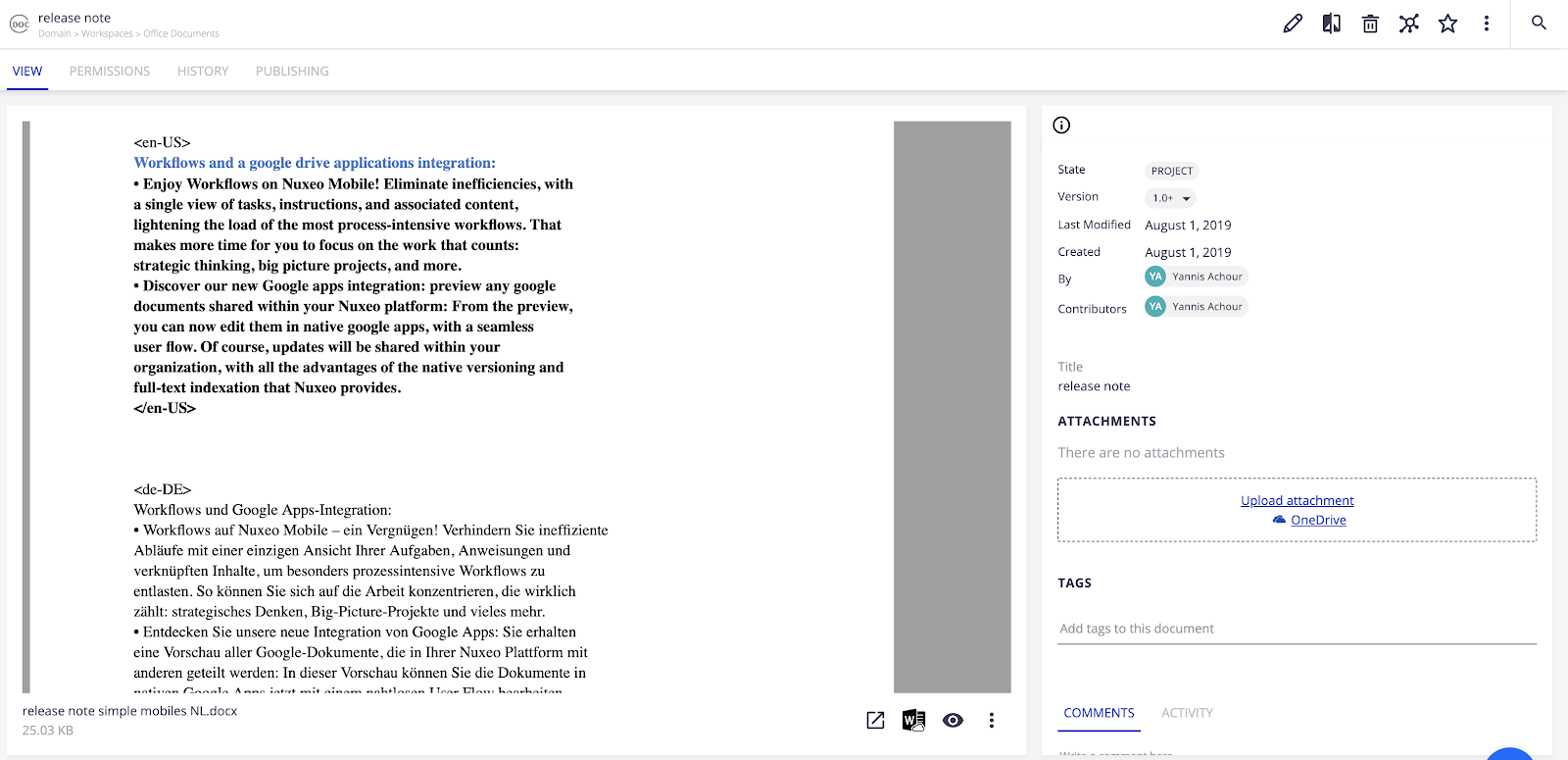
The document is updated on Nuxeo Platform side for all users, as well as its preview:
Requirements
WOPI Domain Allow List
Office Online only makes requests to trusted partner domains, so the domain of your Nuxeo server needs to be added to the WOPI domain allow list.
Nuxeo has currently registered *.nuxeocloud.com as an allowed domain.
HTTPS
As stated here, the WOPI host, here the Nuxeo server, must use HTTPS.
Configuration
JWT Authentication
The Office Online integration relies on the JWT authentication. You need to enable it by setting the nuxeo.jwt.secret parameter in your nuxeo.conf. See Configuration Parameters Index (nuxeo.conf) for more information.
Office Online Discovery
To allow the integration between Nuxeo and Office Online, Nuxeo needs to discover the Office Online client. To do that, you need to set the nuxeo.wopi.discoveryURL parameter in your nuxeo.conf to the Office Online Production discovery URL https://onenote.officeapps.live.com/hosting/discovery. See WOPI discovery URLs for more information.
If you target a WOPI client other than the Office Online cloud service, just set its discovery URL instead of the Office Online one. This is notably the case for an on-premises Office Online Server.
Base URL for Office Online Calls
By default, Office Online will call your Nuxeo server based on the default base URL of your Nuxeo server. You can change it by setting the nuxeo.wopi.baseURL parameter in your nuxeo.conf.
For instance, if your Nuxeo server public domain is bar.com which is not in the WOPI domain allow list, but you also have another technical domain pointing to your Nuxeo server tech.com which is in the WOPI domain allow list, you can tell Office Online to use that one for its calls by setting the nuxeo.wopi.baseURL parameter to the allowed domain:
nuxeo.wopi.baseURL=https://tech.com/nuxeo
Office Online Server On-Premises
Hyland officially supports and maintains the integration of an Office Online Server (OOS) deployed on-premises within your own infrastructure. An on-premises server exposes the same WOPI protocol as the cloud service, so the only difference is the discovery URL Nuxeo points to:
- Meet the general Requirements — notably HTTPS. The WOPI domain allow list does not apply; trust is managed on the Office Online Server side.
- Enable JWT Authentication.
Set the
nuxeo.wopi.discoveryURLparameter in yournuxeo.confto your server's discovery endpoint, that is, its host followed by/hosting/discovery:nuxeo.wopi.discoveryURL=https://your-office-online-server.example.com/hosting/discoveryIf needed, set the Base URL for Office Online Calls.
Office Online Related Limitations
Editions and co-authoring have inherent auto-save frequencies and priorities. The rules are detailed between Word, Excel and PowerPoint:
| Application | Auto-save frequency | PutFile access token |
| Application | Auto-save frequency | PutFile access token used | Permissions check frequency |
|---|---|---|---|
| Word | Every 30 seconds if the document is updated. | The access token of the user who made the most recent change to the document. | At least every 5 minutes. |
| Excel | Every 2 minutes. | The access token of the user who joined the editing session most recently. | At least every 15 minutes. |
| PowerPoint | Every 60 seconds if the document is updated. | The access token of the user who made the most recent change to the document. | At least every 5 minutes. |
Please refer to the WOPI documentation for more information.